
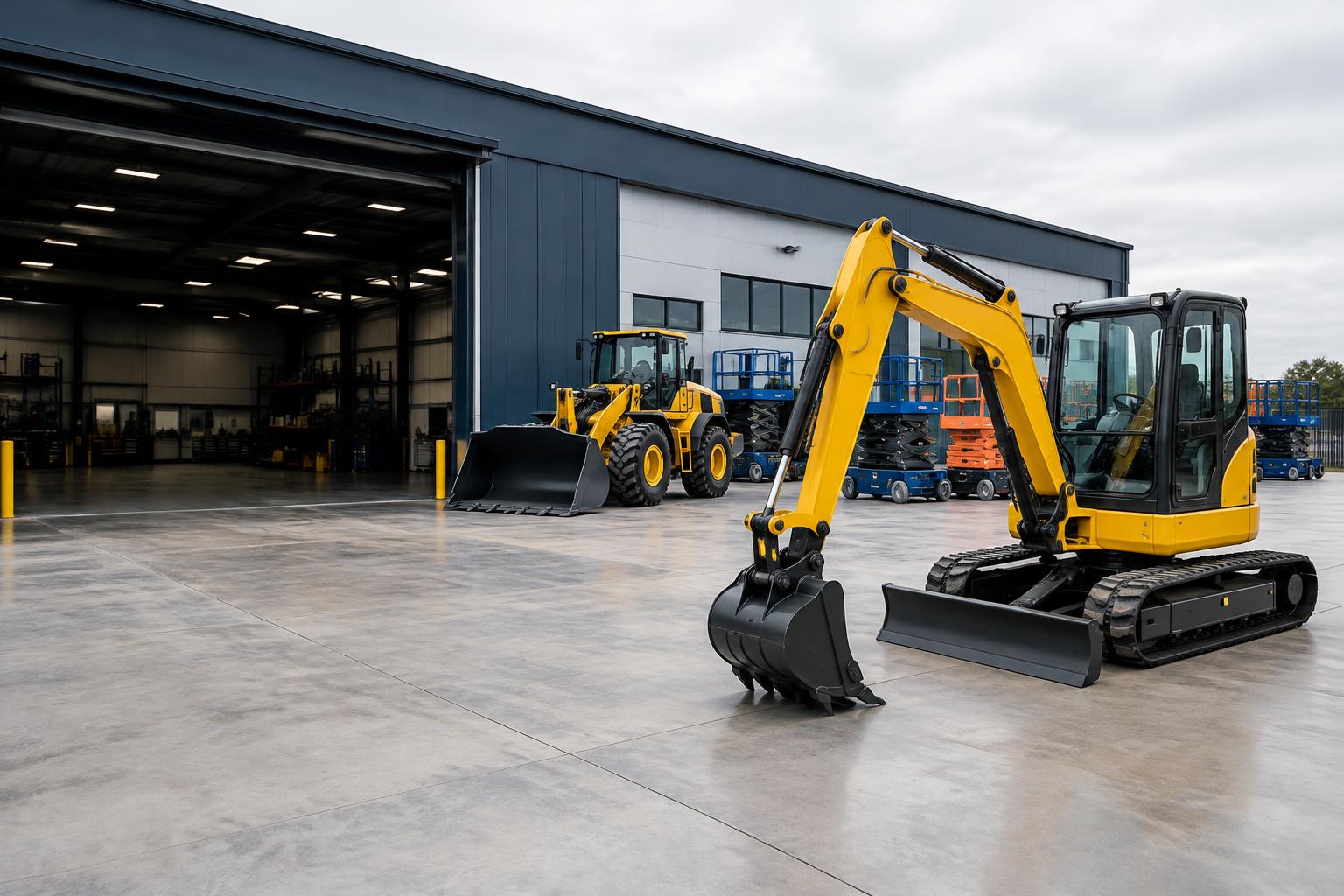
Plan equipment around the job, not a spreadsheet
Create equipment types for excavators, compactors and other construction machines. Track individual units by asset tag or use quantity-based inventory for interchangeable stock. Check the availability calendar before reserving equipment; active reservations and maintenance holds participate in conflict checks. Draft rentals and quotes do not reserve stock.
- Individual asset tags and bulk quantities
- Rental dates, partial dispatch and returns
- Maintenance holds and repair-cost records
Keep the pickup and return connected
Build a rental against the customer record, choose dates and save its agreed charges. At pickup, dispatch the items actually leaving the yard. Receive returns with quantities and condition notes, including partial returns. These records give staff a clearer handover when the site extends a hire or returns only part of an order.
Separate downtime from repair work
Schedule maintenance downtime to keep unavailable units out of overlapping bookings. A linked work order records the repair description, assignment, status and labor or parts cost. Completing a repair is not the same as releasing the equipment hold: the maintenance record controls downtime. EZM Pro does not provide job-site telematics or construction project management.
Frequently asked questions
Can I reserve equipment for a subcontractor?
Create or choose the relevant customer, save the rental dates and reserve the equipment. This is an internal staff workflow, not a public booking storefront.
Do quotes hold a machine for a construction job?
No. A quote communicates charges but does not reserve stock. Conversion creates a rental and checks availability.
Can a delayed job extend its rental?
Staff can request an extension through the rental workflow. Existing bookings and maintenance conflicts still apply.
Does EZM Pro track machine location on a job site?
No GPS or telematics integration is currently implemented. Asset and rental records describe your operational inventory, not live location.