
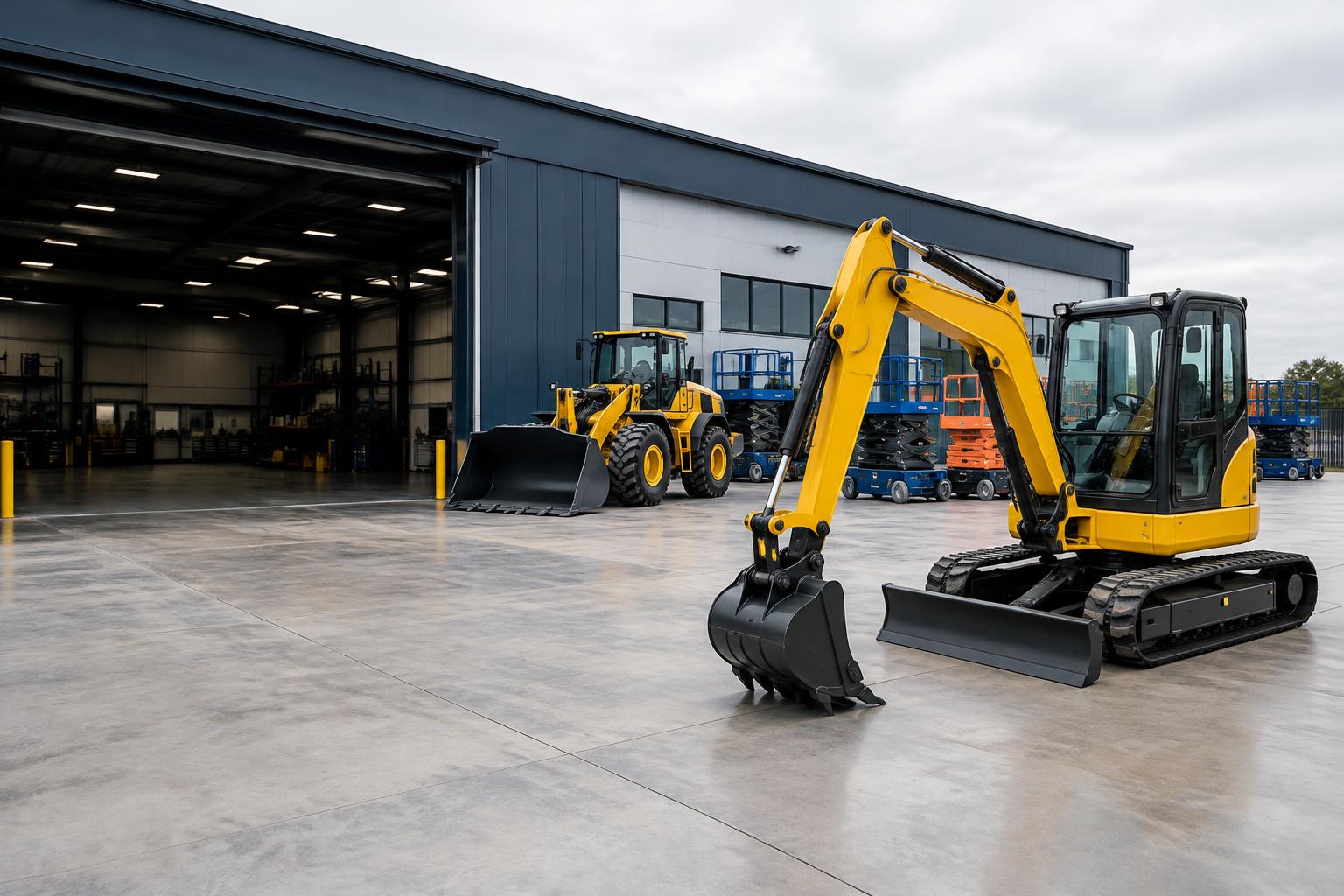
Preview the dates before saving a reservation
Review equipment in day, week or month calendar views and inspect the intended rental period. Date selection can prefill the rental form, but it is still a preview. Quotes and drafts do not hold stock. Staff should reserve equipment only once the customer commitment is ready, so speculative paperwork does not hide real availability.
- Calendar period selection
- Server-enforced unit and stock conflicts
- Extension and downtime history
Save through the authoritative booking rules
Serialized-unit overlaps and unavailable equipment are rejected through the backend booking rules. Bulk stock checks peak simultaneous demand against owned quantity. Maintenance periods participate in those checks. A second browser cannot safely bypass the rules merely because its preview loaded earlier; the final transaction validates the current commitments.
Make extensions and downtime explicit
Extensions retain previous and new dates and apply conflict checks. Completed maintenance is historical, not active blocking downtime, while open inspection holds continue to matter. Equipment still out after its expected return must be reviewed rather than treated as available automatically. Scheduling does not include delivery routes, crew calendars or automated demand forecasts.
Frequently asked questions
Does a quote reserve the requested dates?
No. Quotes are not inventory holds; reservations create commitments.
Can two staff members reserve the same unit?
Authoritative backend conflict checks reject overlapping active reservations for the same serialized unit.
Can I extend an existing hire?
Yes. The extension workflow checks the new period against other commitments and retains history.
Are completed maintenance dates excluded?
Yes. Completed downtime does not itself block another schedule; active conflicting records still do.