
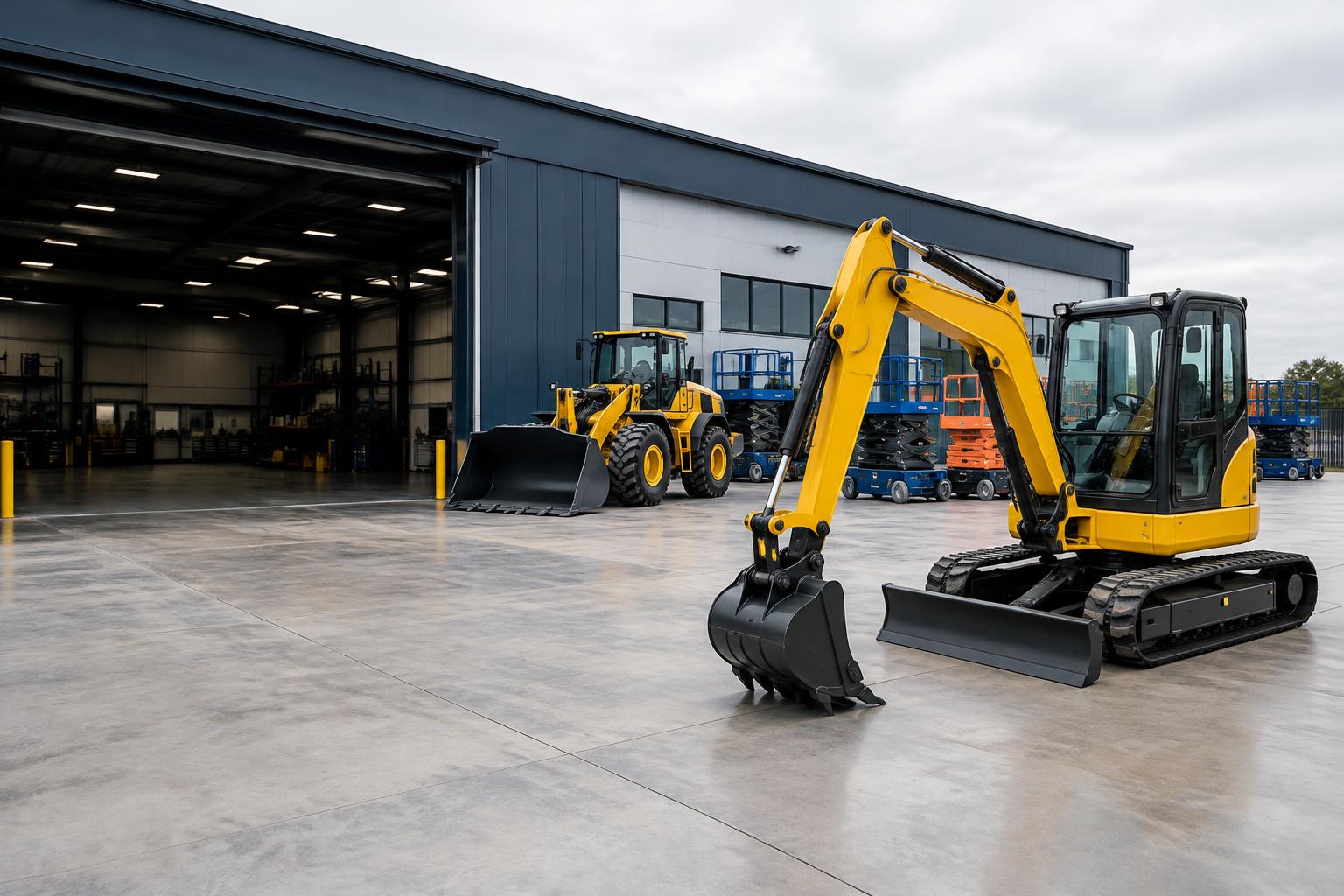
Schedule downtime against equipment
Create a maintenance period for an individual serialized unit or a quantity of bulk equipment. Active downtime participates in booking conflict protection alongside rentals. Returned equipment marked damaged or needing inspection can create an open-ended hold for follow-up. Staff should review the dates and quantities before promising the equipment to another customer.
- Serialized and bulk downtime
- Inspection holds linked to returns
- Separate repair progress and costs
Track repair progress without releasing a hold
A maintenance block can have one linked repair work order with description, assignment, status, labor cost and parts cost. Updating the repair order does not change the downtime interval. Completing the work order alone does not release equipment; the maintenance workflow controls the hold. This separation keeps scheduling decisions explicit.
Retain history after maintenance completes
Completed maintenance remains in history but no longer blocks another maintenance booking merely because its historical dates overlap. Completing maintenance also completes the linked repair order through the existing one-way synchronization. Deletion safeguards protect linked repair and financial history. Automated meter-based service reminders and safety certification are not implemented.
Frequently asked questions
Does maintenance block rental dates?
Active downtime is included in equipment conflict checks, subject to serialized and bulk availability rules.
Does completing a repair release the equipment?
No. Complete the maintenance hold through the Maintenance module to release downtime.
Will completed maintenance block a new schedule?
Completed historical downtime is excluded from active conflicts. Another genuinely active overlap still blocks.
Are preventive reminders automatic?
No automated meter-based reminders are currently available.